 CodeTime Apps
HotkeyBar
Keyboard shortcuts in menu bar
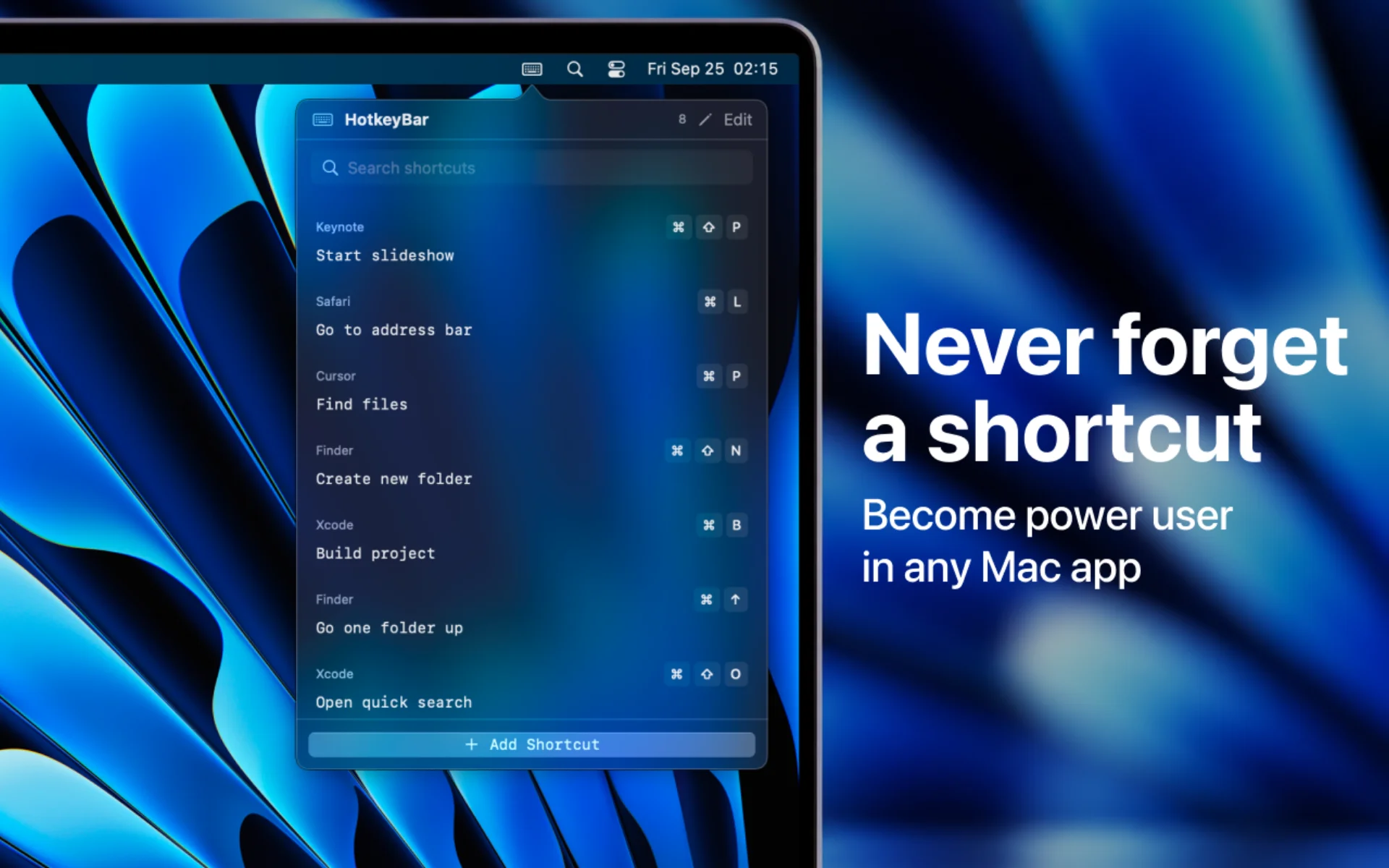
Never forget a shortcut again. Your keyboard shortcuts, one click away in the menu bar.
- Mac
- Productivity
Overview
HotkeyBar keeps your favorite keyboard shortcuts one click away in the menu bar.
Add the shortcuts you always forget - for any app, any workflow - and pull them up instantly instead of digging through menus or searching online.
HotkeyBar comes preloaded with a handful of common shortcuts for Finder, Chrome, iTerm2, and VS Code to get you started, then grows with you as you add your own.
Key Features
Quick menu bar access
Click the icon, find your shortcut, done
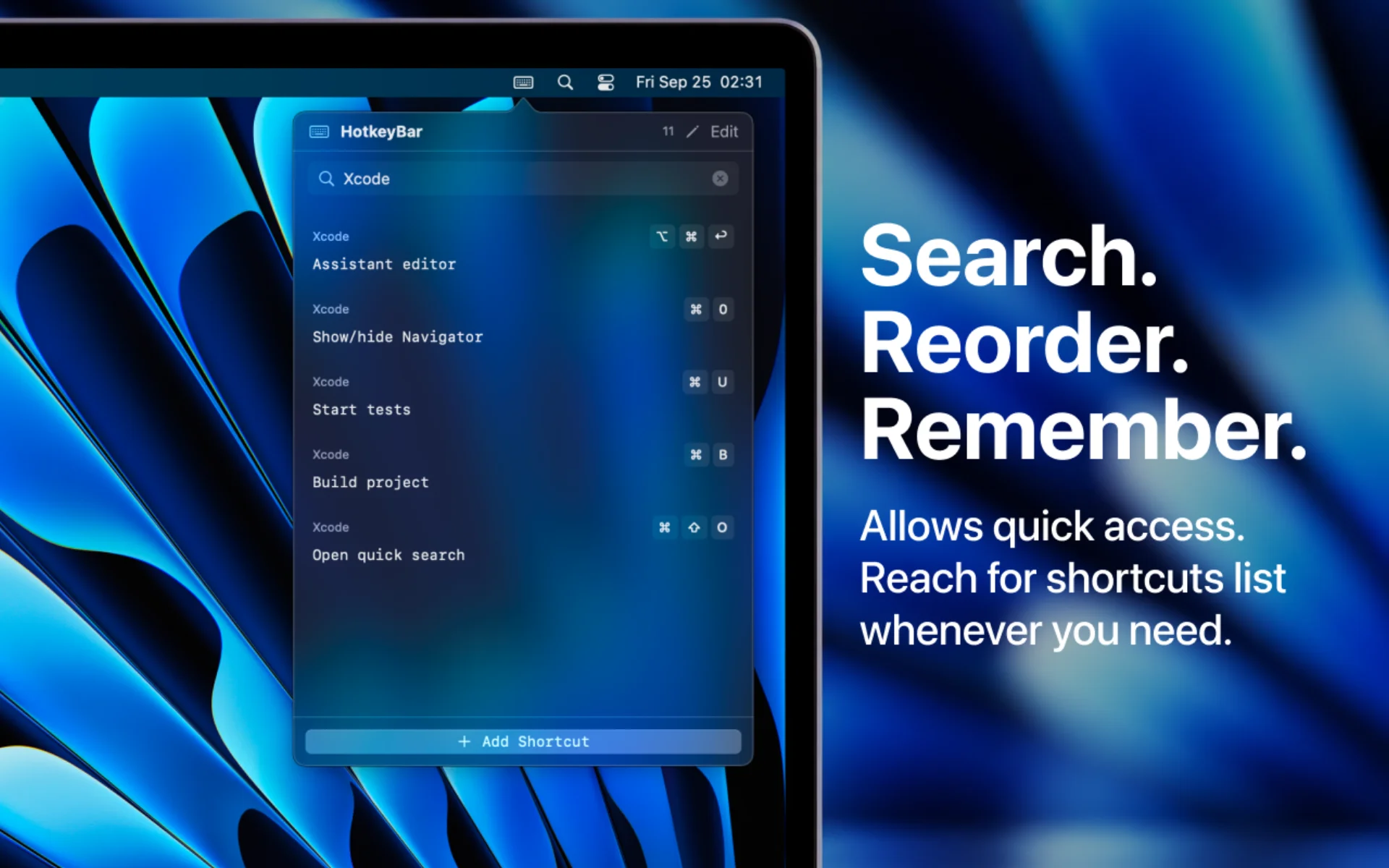
Search
Across app, shortcut, and description
Your order
Move your most-used shortcuts to the top, or drag to reorder
Fully editable
Add, edit, and remove shortcuts anytime
Stored locally
Nothing leaves your device
Preloaded shortcuts
Starts with common ones for Finder, Chrome, iTerm2 and VS Code
Who It's For
Keyboard-first users
Keep your favorite shortcuts a click away
Developers
Remember shortcuts for VS Code, iTerm2 and more
Designers and creators
Recall app shortcuts without leaving your flow


