 CodeTime Apps
ShotBar
Menu Bar Screenshot History
See your recent screenshots the moment you take them, right from the menu bar. Copy, pin, or drag them out instantly, no Finder digging required.
- Mac
- Productivity
Overview
ShotBar keeps your recent screenshots one click away, right in the menu bar. No more digging through Finder or a cluttered Desktop to find the one you just took.
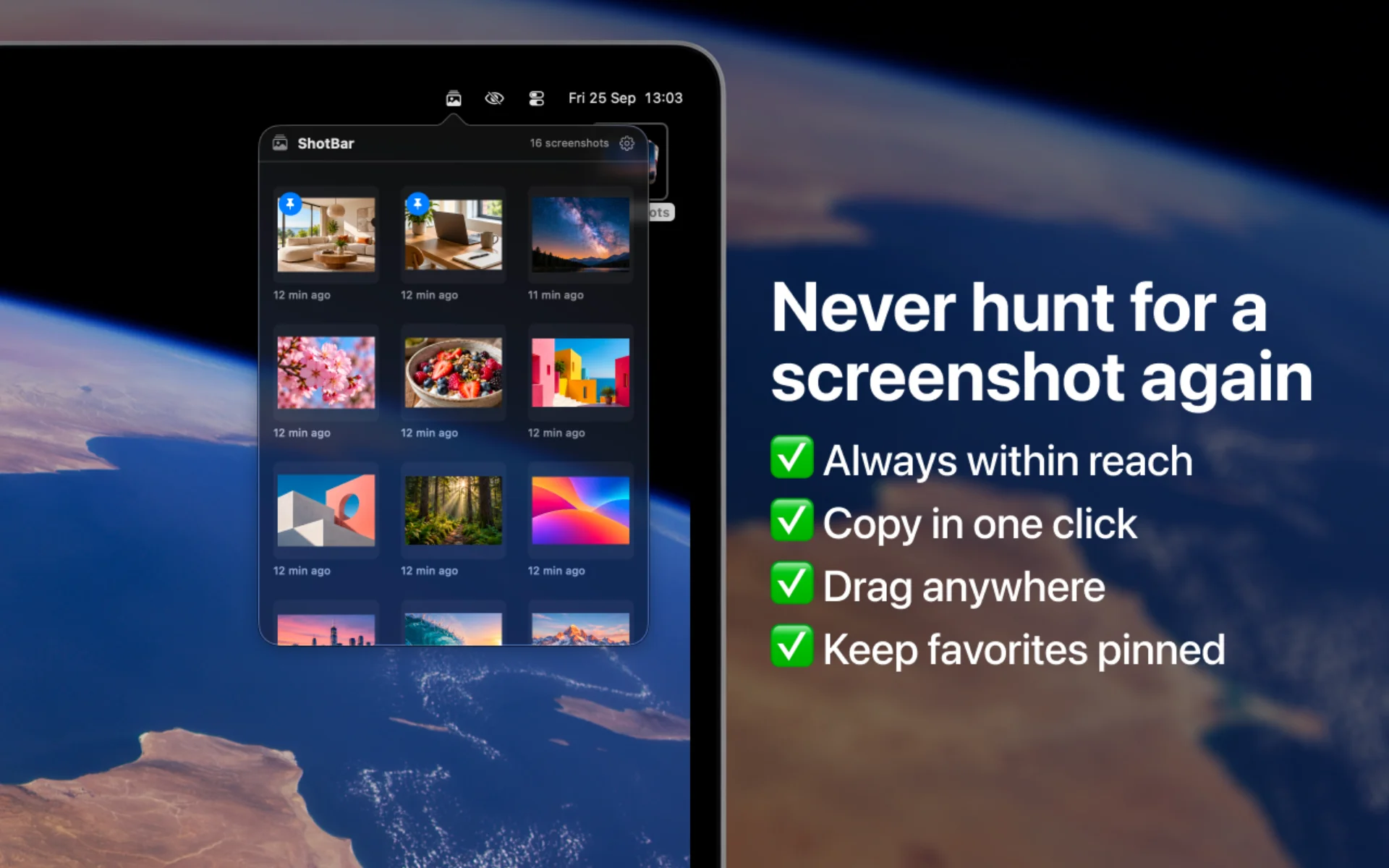
Click the menu bar icon to see a live grid of your most recent screenshots. Click any thumbnail to copy the actual image file to your clipboard, ready to paste straight into Slack, Mail, or anywhere else, or drag it out to attach it directly.
ShotBar lives quietly in your menu bar with no Dock icon and no clutter, just your screenshots, always within reach.
Key Features
Instant access
New screenshots appear the moment you take them
Click to copy the real file
Not a recompressed copy, ready to paste into Slack or Mail
Drag and drop
Attach or paste screenshots anywhere
Pin favorites
Keep the screenshots you need handy
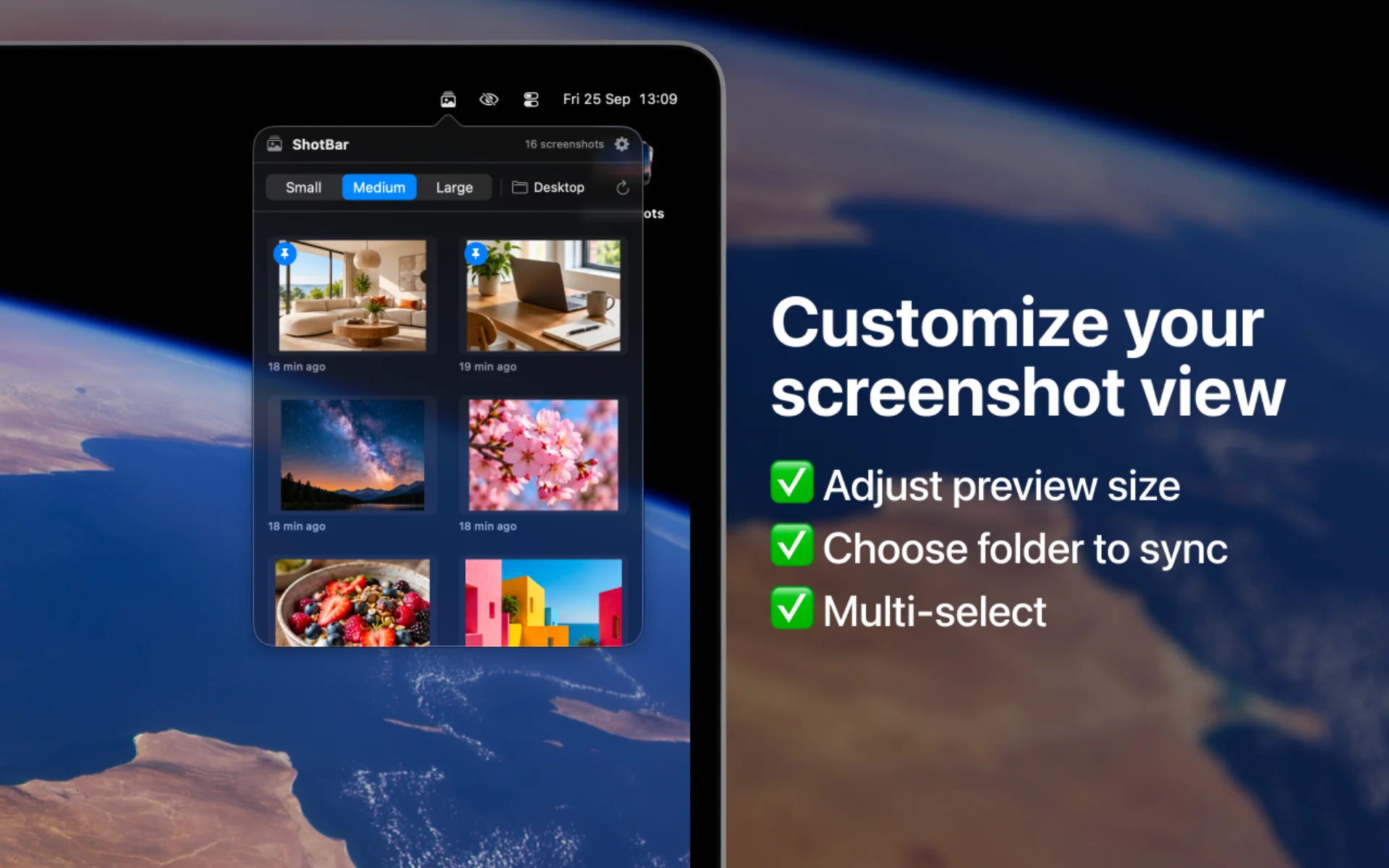
Flexible grid
Choose a 1, 2, or 3-column grid
Follows your folder
Uses wherever macOS saves screenshots
Multi-select
Drag over empty space to copy or delete several screenshots together
No preview delay
One click removes macOS's screenshot preview delay
Who It's For
Designers
Grab the screenshot you just took without digging through Finder
Developers and testers
Attach screenshots to bug reports in seconds
Presenters and creators
Drag screenshots straight into slides and docs


